
PRINT / COMPARE / TROUBLESHOOT
Black & white printer test
Engineering preview: usable draft patterns, not a physically validated release. See validation limits.
Black & white
Choose Actual size / 100%, the matching paper size, and turn off headers and footers. Do not select Fit to page or borderless enlargement.
Mobile: open the PDF, then use the viewer’s Share / Print command. A download link opens a file; it does not confirm the file was saved.
Pattern details
BW-01 · 1 PDF pageDraft pattern · physical validation pending.
Estimated coverage: see the asset manifest. Estimates describe artwork area, not ink volume.
Pattern preview
Read your result
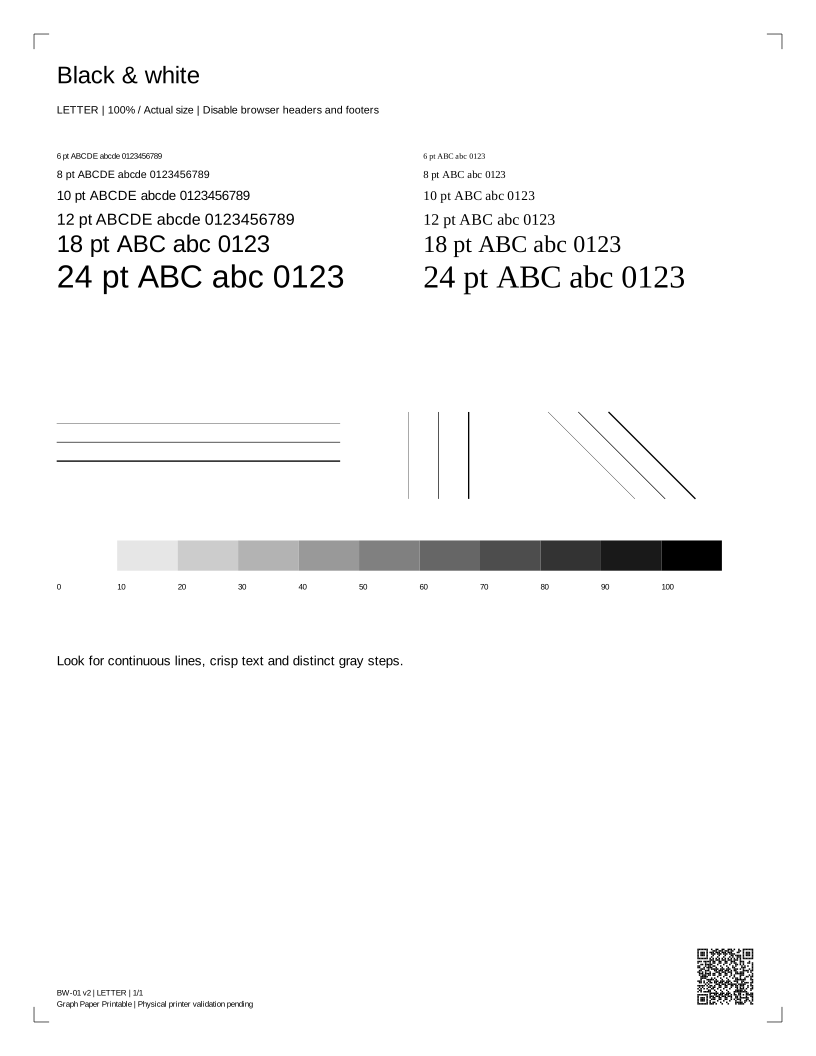
Check both font samples, horizontal, vertical and diagonal lines, and the 11 gray steps from 0% to 100%. Driver settings and paper can affect fine detail. A pale result does not by itself prove toner or ink is empty.
Read your result
Check repeated marks and their measured spacing with the printer’s internal report. Spacing is a clue, not a part diagnosis. Let the printer cool as directed; do not open or touch a fuser.
Before you print again
Does requesting a print mean it printed?
No. The browser can request a dialog, but cannot tell whether you cancelled, sent the job or received paper. Check the preview and the physical result.
Why are there two paper sizes?
Each PDF has a native Letter or A4 page box. Choose the same size in the printer dialog, use Actual size / 100%, and disable headers, footers and Fit to page.
Can this sheet diagnose my printer?
It is a comparison aid. A generic sheet cannot identify a failed part, measure ink remaining, certify colors or replace the manufacturer's model-specific checks.