
PRINT / COMPARE / TROUBLESHOOT
Check one color channel
Engineering preview: usable draft patterns, not a physically validated release. See validation limits.
Each selection is a low-area visual channel check, not a high-coverage cleaning sheet. A driver may use more than one physical ink to render a nominal color.
Cyan channel
Choose Actual size / 100%, the matching paper size, and turn off headers and footers. Do not select Fit to page or borderless enlargement.
Mobile: open the PDF, then use the viewer’s Share / Print command. A download link opens a file; it does not confirm the file was saved.
Pattern details
SC-01-C · 1 PDF pageDraft pattern · physical validation pending.
Estimated coverage: see the asset manifest. Estimates describe artwork area, not ink volume.
Pattern preview
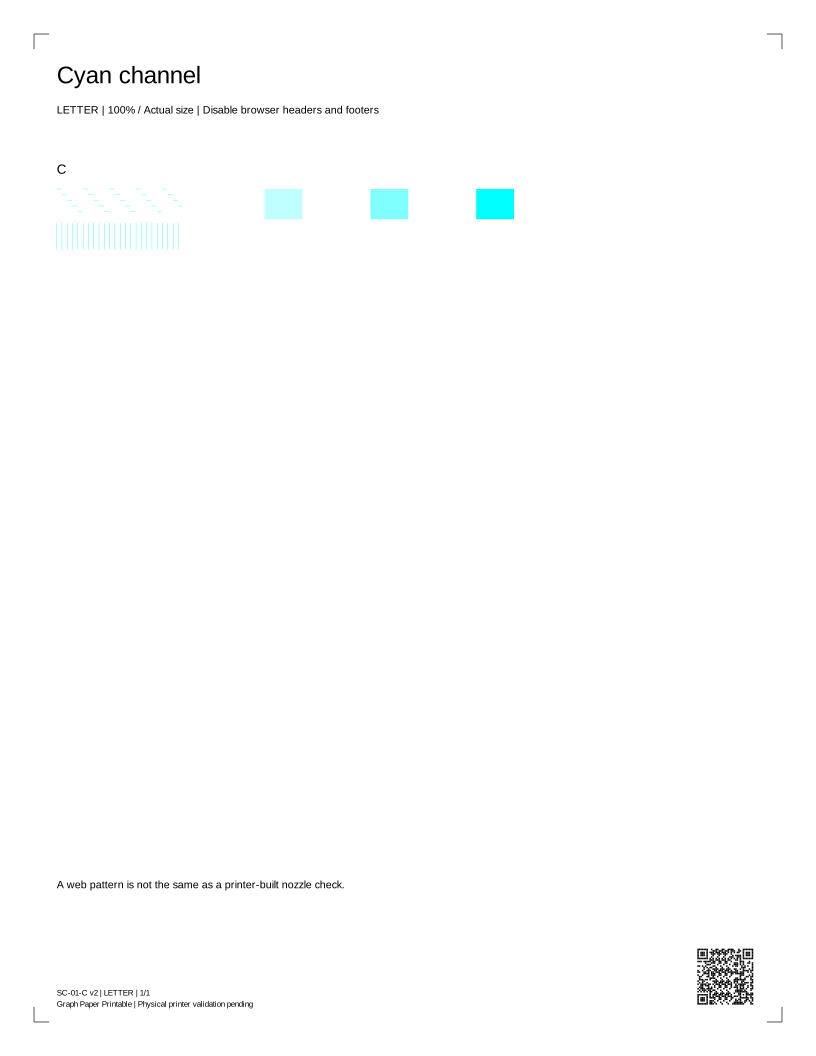
Read your result · Cyan channel
Compare continuous lines, distinguishable gray steps and complete color patches. A gap, pale patch or missing color is a symptom, not proof of a particular failed part.
PDF · current selection · Back to print controls
Compare every channel
Complete lines are expected. Gaps or a missing row call for your model’s built-in check. Select a known color to open its print controls.
Cyan test
Magenta test
Yellow test
Black test
Schematic comparisons, not authorized physical samples or a diagnosis.
Read your result · Magenta channel
Compare continuous lines, distinguishable gray steps and complete color patches. A gap, pale patch or missing color is a symptom, not proof of a particular failed part.
PDF · current selection · Back to print controls
Compare every channel
Complete lines are expected. Gaps or a missing row call for your model’s built-in check. Select a known color to open its print controls.
Cyan test
Magenta test
Yellow test
Black test
Schematic comparisons, not authorized physical samples or a diagnosis.
Read your result · Yellow channel
Compare continuous lines, distinguishable gray steps and complete color patches. A gap, pale patch or missing color is a symptom, not proof of a particular failed part.
PDF · current selection · Back to print controls
Compare every channel
Complete lines are expected. Gaps or a missing row call for your model’s built-in check. Select a known color to open its print controls.
Cyan test
Magenta test
Yellow test
Black test
Schematic comparisons, not authorized physical samples or a diagnosis.
Read your result · Black channel
Compare continuous lines, distinguishable gray steps and complete color patches. A gap, pale patch or missing color is a symptom, not proof of a particular failed part.
PDF · current selection · Back to print controls
Compare every channel
Complete lines are expected. Gaps or a missing row call for your model’s built-in check. Select a known color to open its print controls.
Cyan test
Magenta test
Yellow test
Black test
Schematic comparisons, not authorized physical samples or a diagnosis.
Before you print again
Does requesting a print mean it printed?
No. The browser can request a dialog, but cannot tell whether you cancelled, sent the job or received paper. Check the preview and the physical result.
Why are there two paper sizes?
Each PDF has a native Letter or A4 page box. Choose the same size in the printer dialog, use Actual size / 100%, and disable headers, footers and Fit to page.
Can this sheet diagnose my printer?
It is a comparison aid. A generic sheet cannot identify a failed part, measure ink remaining, certify colors or replace the manufacturer's model-specific checks.